Case study
The ₹2.4 Lakh Mistake: Who Really Owns Your Ad Account?
Kailas Nath R and Kautilya Roshan
· 8 min read
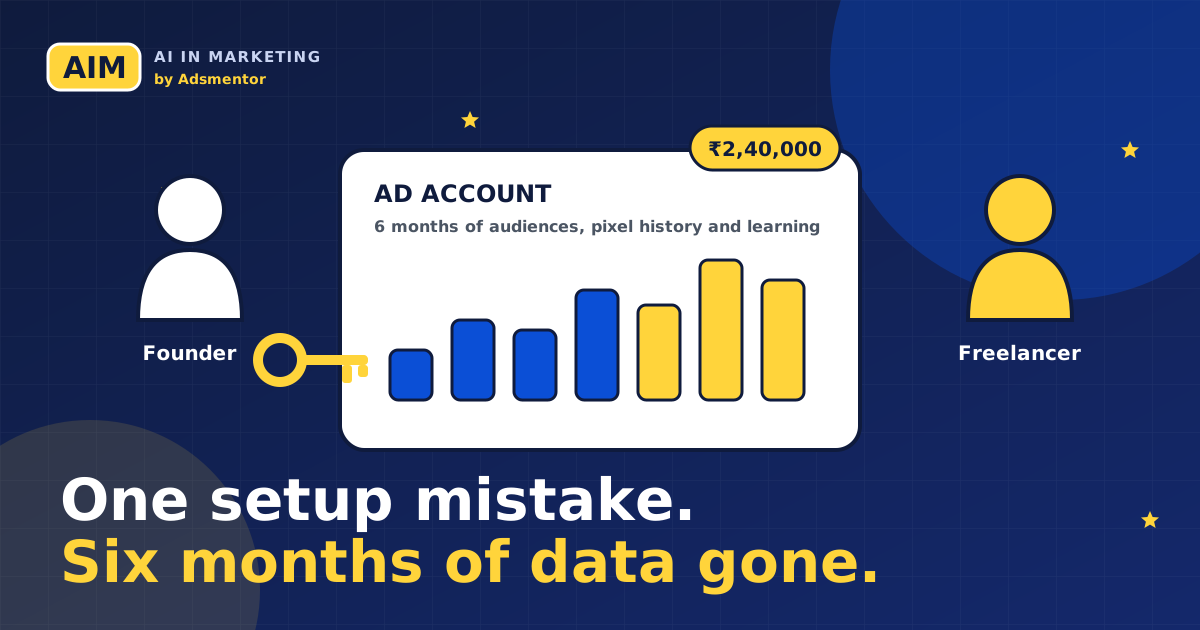
You hire someone to run your ads. Six months and ₹2,40,000 later, you part ways, and your ad history walks out of the door with them. Here is how it happens, and the thirty-minute habit that stops it.
- Whoever creates the ad account usually owns it, and the owner can remove you at any time.
- Six months of audiences, pixel history and learning cannot be moved to a new account.
- The fix takes about 30 minutes and costs nothing: you create it, they get access.
- Freelancers and agencies are safer too when ownership is clear from day one.
About this case study. It comes from Chapter 3 of our book, The Ad Account Nobody Shows You. It is an example built for teaching, not a real client, and the numbers are made up. The pattern, though, is one that agencies and founders recognise.
The setup
A founder in Pune hires a freelancer. The freelancer says, "I will set up the ad account for you," and creates it under their own business portfolio, using their own card. It feels helpful and quick.
Ads run for six months. Total spend: ₹2,40,000. Then the founder and the freelancer disagree about fees. The freelancer removes the founder's access.
The founder now loses six months of audience data, pixel history and ad learning. The business paid for all of it and owns none of it.
Why this hurts more than it looks
Ad platforms learn from your account: who clicked, who bought, which audiences worked. That history is part of why campaigns get cheaper over time. Start a fresh account and you pay again, in real rupees, for the platform to relearn what you already knew.
What should have happened
- The founder creates the business portfolio and the ad account. Ownership stays with the business from day one.
- The freelancer is added as a partner with campaign-level access, and no billing or admin rights.
- The founder pays with a business card, so ad spend and personal spend never mix.
- The founder is admin, with a second admin such as the finance lead, so the account never depends on one person.
- If the work ends, the freelancer is removed in one step, and the account keeps all of its history.
The fix costs about 30 minutes at the start. The mistake cost six months of data.
Your 30-minute checklist
- You create the portfolio and ad account yourself. Nobody creates it "for" you.
- Ask for an invitation, never a password.
- Double-check the time zone and currency before you finish setup, because many platforms will not let you change them later.
- Keep at least two admins on your side.
- Give each person only the access their job needs.
- Turn on two-factor sign-in.
- Pay with a business card.
- Write down who has access to what, and the date it was granted.
Ask for access without asking for a password
Here is a simple message you can adapt. It protects the client and keeps you professional.
Hi [Name], to run your ads I need partner access, not your password. Please open your own business portfolio and ad account (or create one), add us as a partner with campaign-level access, and keep at least two admins on your side. Billing stays with you, on a business card. If we ever stop working together, you can remove us in one step and keep all your data. Happy to do a 10-minute call and walk you through it.
Keep an access sheet
One spreadsheet, one row per asset, with these columns: platform, asset, owner, who has access, role, date granted and date removed. Review it every quarter. People change jobs, freelancers leave and old partner links stay active, and a quarterly check often finds access that nobody remembers granting.
If you are the freelancer
This setup protects you too. Clear boundaries mean fewer disputes, no responsibility for the client's billing, and a clean handover when the project ends. Clients trust people who ask for the right kind of access.
Go deeper
This case study is a small slice of Chapter 3, "Accounts, access and setup". Founders who want to judge an agency should also read Chapter 70, and the full book covers the rest of the ad account in the same step-by-step way. See what is inside the book, or get it on Amazon.
How to tell who owns your ad account today
You do not need to be technical to check this. Open the ad platform, go to the business settings and look at two things: which business owns the ad account, and who the admins are. If the owner is a business name you do not recognise, or the only admin is your freelancer, you are renting your own ad history.
- On Meta: open Business Settings, then Accounts, then Ad accounts. The business listed as owner is the one that controls it.
- On Google Ads: check Access and security. You want your own email at admin level.
- On LinkedIn, TikTok, Snapchat and X: the same idea applies. Look for the owning organisation and the list of admins.
If the answer worries you, do not panic and do not start an argument. Ownership can usually be fixed calmly, and the next section shows how.
The hidden costs people forget to count
The ₹2,40,000 in this case study is only the ad spend. The real loss is bigger, and most founders never add it up.
- Relearning time. A new account starts with no data. For weeks you may pay more per lead while the platform learns again.
- Lost audiences. Website visitors, video viewers and past buyers, the people most likely to buy again, stay behind in the old account.
- Lost proof. Reports, winning creatives and test results are how you show a new agency what already worked. Without them you start from a blank page.
- Lost negotiating power. When one person holds the keys, every disagreement about fees becomes risky for you.
What to say when you ask for access
Many founders avoid this conversation because they think it sounds distrustful. It does not, if you frame it as how you run your business. Something like this works well:
"We keep all ad accounts under our own business so our reporting and billing stay in one place. Please share access with your team at the level you need to run the campaigns. We will set it up together on a call this week."
Good professionals say yes without hesitation, because it protects them as well. They are not blamed for things they cannot control, and they cannot be accused of holding data hostage. If someone pushes back hard on this one request, treat that as useful information before you spend more money.
A calm way to recover if you are already locked out
- Ask for a data export first. Request reports, creatives, audience lists you own and campaign settings. Do this while the relationship is still friendly.
- Rebuild tracking in your own account. Create your own pixel or tag and install it on the website straight away, so history starts building today.
- Move your first-party lists. Customer emails and phone numbers you collected belong to you. Upload them to your new account as audiences.
- Write down what worked. Winning angles, offers and audiences can be rebuilt quickly when you know what to rebuild.
Why freelancers and agencies should want this too
If you work in ads, client-owned accounts protect you as much as the client. You can show results without sharing your own business assets. You are never accused of keeping data back. You can leave a project cleanly, and a client who feels safe is easier to keep. Teams that handle ownership well also tend to look more professional in pitches, which helps when you are early in your career.
Where this fits in your learning
Account structure is one of the first things we teach in the ads module of the AIM program, because every later skill depends on it. You set up campaigns on all five major platforms inside real accounts, with ownership, roles and billing done properly from the first click. It is the difference between knowing the theory and being the person a business trusts with its budget.
Keep your ad account in your hands
Our free one-page checklist walks you through the 30-minute setup, and the ads module of the program teaches you to run accounts the same way for clients.
Part of the program: Ads module. The full path is a flat ₹5,999, paid only after your onboarding call. See what is included.
The ad account ownership checklist
The 30-minute setup that keeps your ad data and money in your hands, from our book and case study.
Frequently asked questions
Who owns an ad account?
Whichever business created it, unless ownership has been formally transferred. That is why it matters who clicks "create account" at the start.
Can I move my ad history to a new account?
Not in full. Platforms do not move learning, pixel history or audience data between accounts. You can export reports and rebuild audiences from your own customer lists.
Is it rude to ask my freelancer to use my account?
No. It is standard practice among careful agencies. A good professional will be happy to work inside an account you own.
What level of access should I give?
Give the lowest level that lets them do their job. Keep ownership and billing with you, and keep at least two admins from your side.
About the authors

Digital marketing and agentic AI consultant at Big Stone Agency and trainer in the AIM program. Co-author of The Ad Account Nobody Shows You.

Generative AI engineer, LinkedIn Top Voice, consultant and trainer. Co-author of The Ad Account Nobody Shows You.
More from the blog
- Duolingo's AI-First Memo, 18 Months On: What Its Own Filings Show
- A Prompt Framework for Marketers: RTCROS, With Examples You Can Copy
- Meta Ads MCP and CLI: A Step-by-Step Usage SOP for Marketers
- Best Digital Marketing Course in India (2026): AI and Vibe Marketing Compared
- The Ad Account Nobody Shows You: Social Ads Zero to Pro (2026 Edition)
- What Is Vibe Marketing? Get a Week of Work Done in an Afternoon
- Before You Pay for an AI Marketing Course, Ask These 7 Questions
- Your Ad Account Runs Itself Now. Here Is How to Stay the One Who Matters
- Fewer Clicks, Same Customers: Stay Visible in the Age of AI Answers
- Agentic AI Can Give You Your Evenings Back (If You Learn It First)
- 6 AI Advertising Mistakes That Can Cost You a Client (and the Easy Fixes)